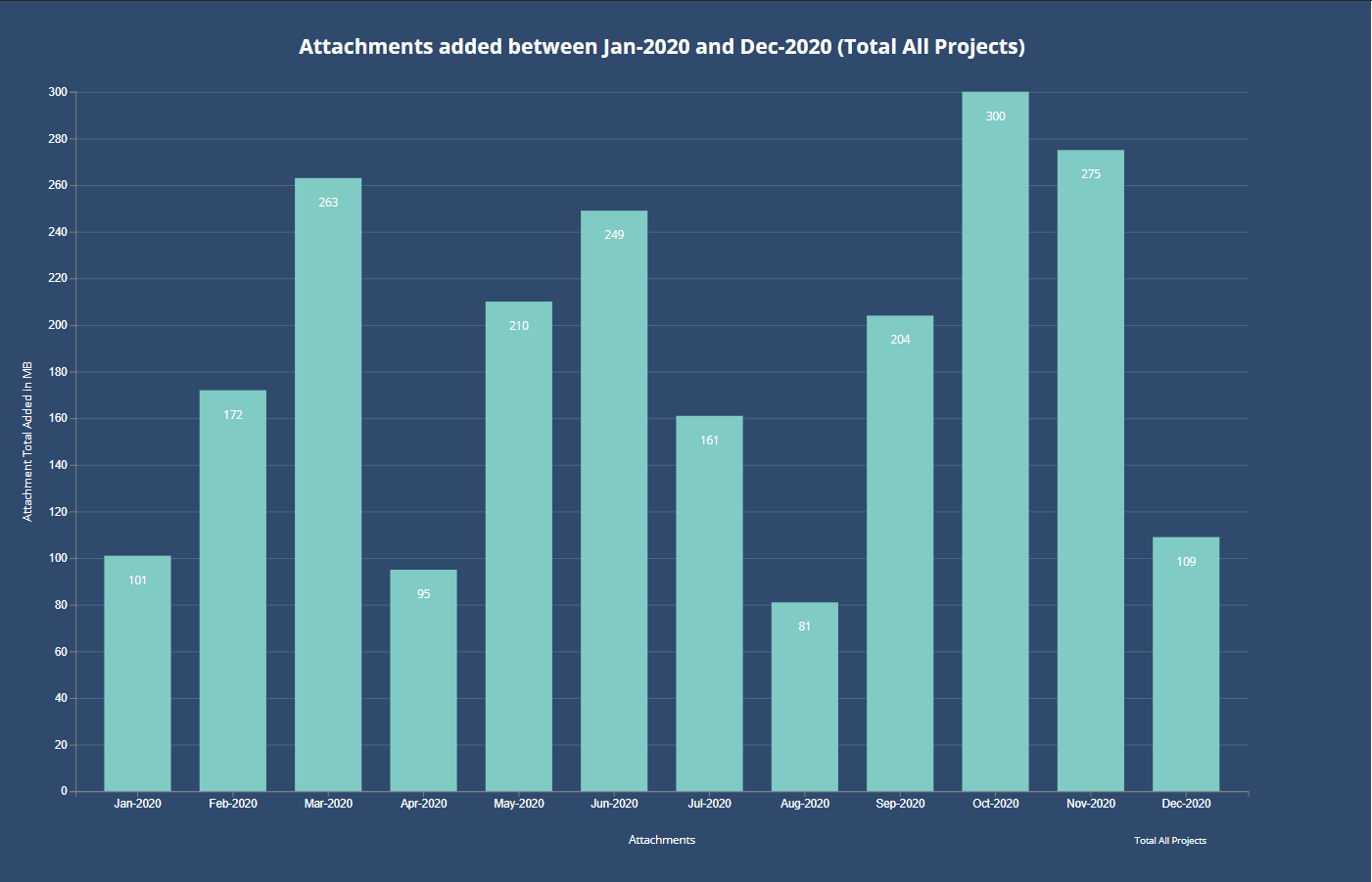
Usage Video
This quick video shows how to access the Jira Data Usage Reports, along with.
- How to access Jira Data Usage Reports
- Totals graph accross all projects appear after a second project is added
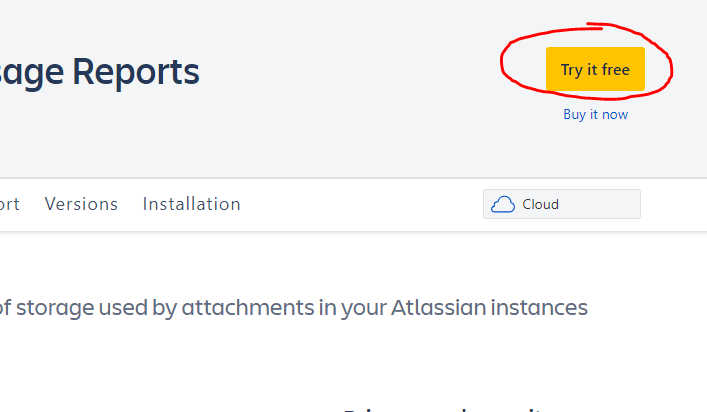
Install the app as a free trial
Navigate to the app store via "Apps/Find New Apps" in the top level navigation of your Jira instance.
Open the Storage Report
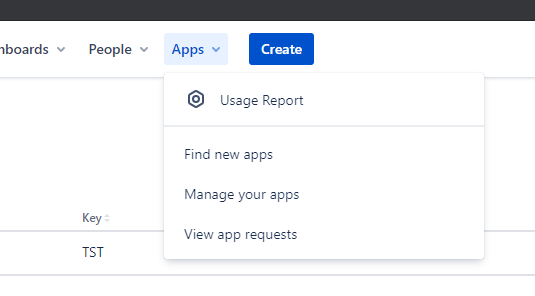
Navigate to the app via "Apps/Usage Report" in the top level navigation of your Jira instance.
View the reports
You will see a graph for each project with attachments added in the last year.